Save activities with your preferred settings

You can now save an activity with your preferred start-up settings and share it with clients, so they do not have to choose options each time. This lets you assign a deck with the exact setup your client needs, such as input method, distractors, hint level, and other settings that affect difficulty and support. It is especially helpful for self-practice, where you want sessions to be consistent and easy to start on the Cognishine platform.
This feature is available for activities that prompt users to choose settings at the start, such as Assembling Words, Anagrams, Daily Task Recall, and Language Comprehension.
How to save activities with your preferred settings:
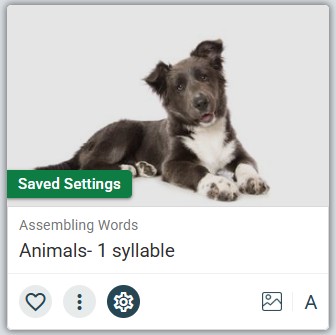
- Click the heart symbol below a deck to save it to a board.
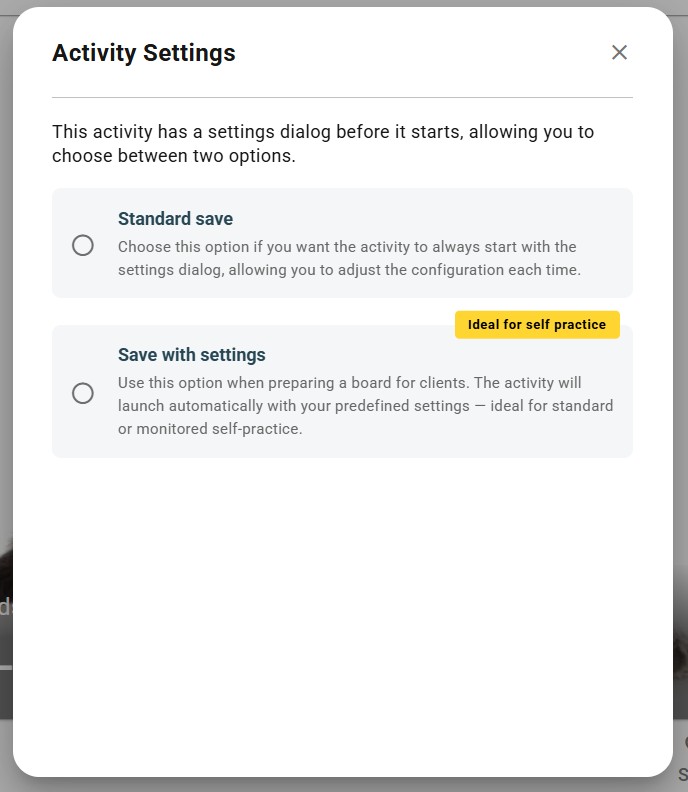
- You will see the Activity Settings screen below, with the new option to "Save with settings".
- Customize the settings for the deck and press "Continue".
- Save the deck to a board.
- You can now share the deck with saved settings. Find more details of how to share decks with clients in our Help Center.