Cognishine Help Center

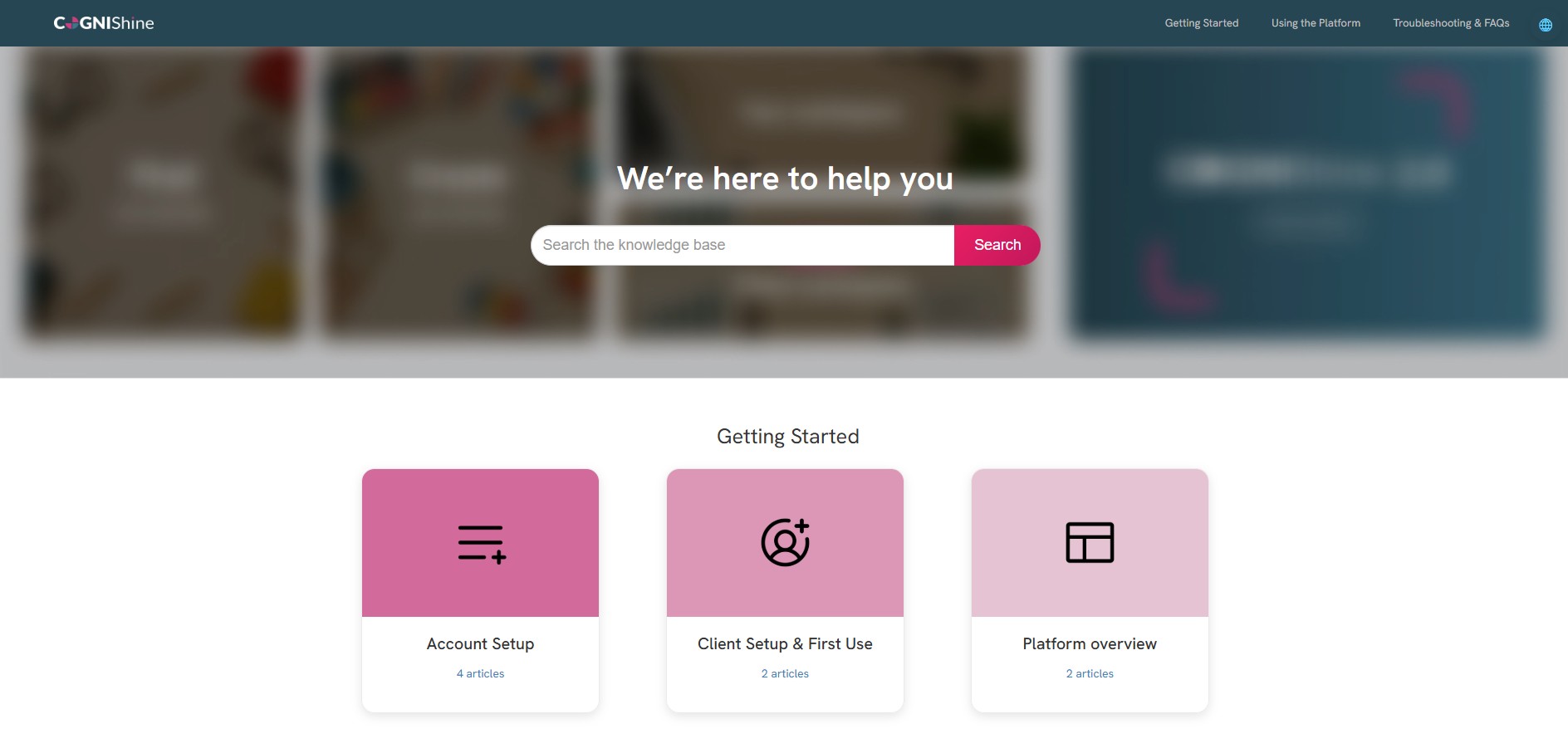
The Cognishine Help Center is now live, giving users a dedicated place to find short, practical guides for getting started and using key features across the Cognishine platform. It includes step-by-step walkthroughs for common workflows in our therapy software, plus troubleshooting tips to help you resolve issues quickly and keep sessions moving.
Inside the Help Center, you’ll find guidance on core areas such as setting up and managing your account, navigating activities, creating and sharing boards, and working with boards. There is also a built-in search function and a growing set of FAQs to help you find answers quickly. Articles are written as short, task-focused “how-to” guides, so you can get back to delivering therapy with minimal disruption.
This is designed to make support easier to access, reduce setup time, and help teams get more value from the Cognishine therapy content platform.
Access the Help Center here. You can also find a link on the Cognishine platform home screen.